


Fifty slide layouts organized as a UI kit: covers, text blocks, team pages, timelines, data charts, device mockups and pricing tiers – everything you need to build any presentation in fifteen minutes. Five colorways, editable in free Canva.
Who it is for
Freelancers, consultants and small business owners who build presentations often enough to want one set that covers every situation – not ten mismatched freebies stitched together.
Why this set and not a single page
Seven clear sections, not 50 random slides. Cover and intro, text and quotes, team and hierarchy, process and timelines, data and charts, device mockups, pricing and outro. Each section opens with a divider. You find the slide you need in seconds, not minutes.
Every diagram is editable shapes, not a picture. Bar charts, line charts, donuts, funnels, Gantt bars, flowcharts, org charts and progress bars are all simple rectangles and circles. Click and change the numbers – nothing breaks.
Timelines and roadmaps that actually get used. Horizontal milestones, vertical alternating, quarterly swim lanes, a Gantt chart and a cycle diagram. Five different ways to show a plan, depending on how much detail you need.
Device mockups with drag-and-drop frames. A laptop, a phone, and both side by side. Drop your screenshot onto the filled shape and Canva crops it to fit.
A SWOT matrix, comparison table and P&L summary. The three slides people build from scratch every time: a 2×2 quadrant, a feature comparison, and a quarterly profit and loss. They are ready to fill.
A scorecard dashboard with six metric cards. Revenue, customers, conversion, NPS, churn and LTV in one view. Replace the labels and numbers – the layout does the rest.
What you get
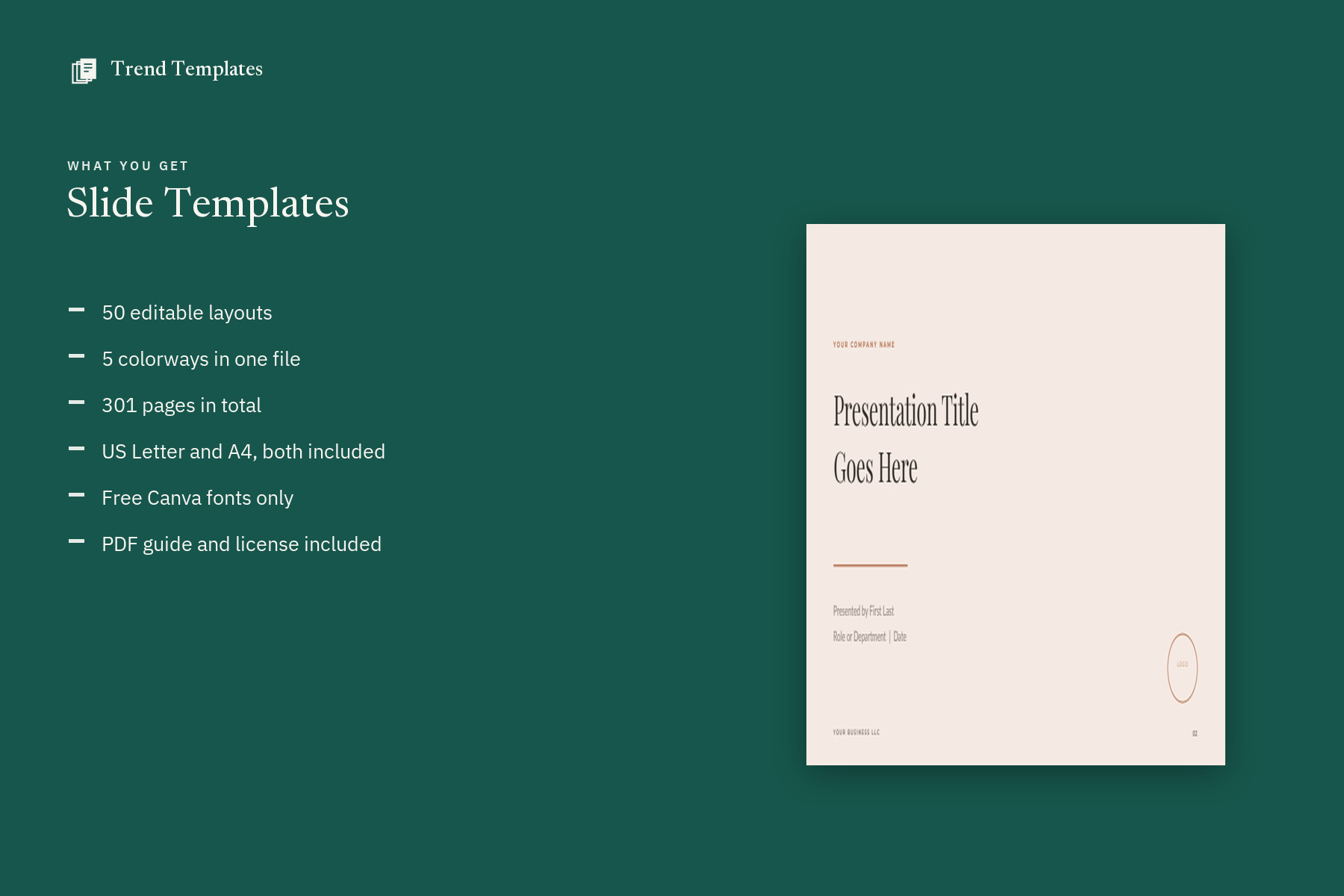
- 50 editable layouts
- 5 named colorways – Sand, Sage, Slate, Blush and Noir
- 301 pages in one Canva file
- Standard 16:9 widescreen format (1920 x 1080)
- A print-friendly set of all 50 layouts – no color fills, for the copy you print and sign
- Free Canva fonts only – Montserrat, Lato, Playfair Display
- PDF guide with the template link, instructions and license
- Commercial use for your own business and your clients
What you can change
- All text and headings
- Font color, style and size
- Backgrounds and color blocks
- Photos and your own logo
- Add, delete or reorder any page
Before you buy
- This is a Canva template, not a Word or Adobe file
- A free Canva account is needed to open it
- Nothing is shipped – the link arrives as an instant download
How it works
- Buy, and the PDF downloads straight away – no waiting for a designer, no email to wait for.
- Open the template link inside it and choose Use template.
- Canva copies the whole set into your account. Edit, export, send.
Not affiliated with Canva. Canva is a trademark of Canva Pty Ltd.


Reviews
There are no reviews yet.