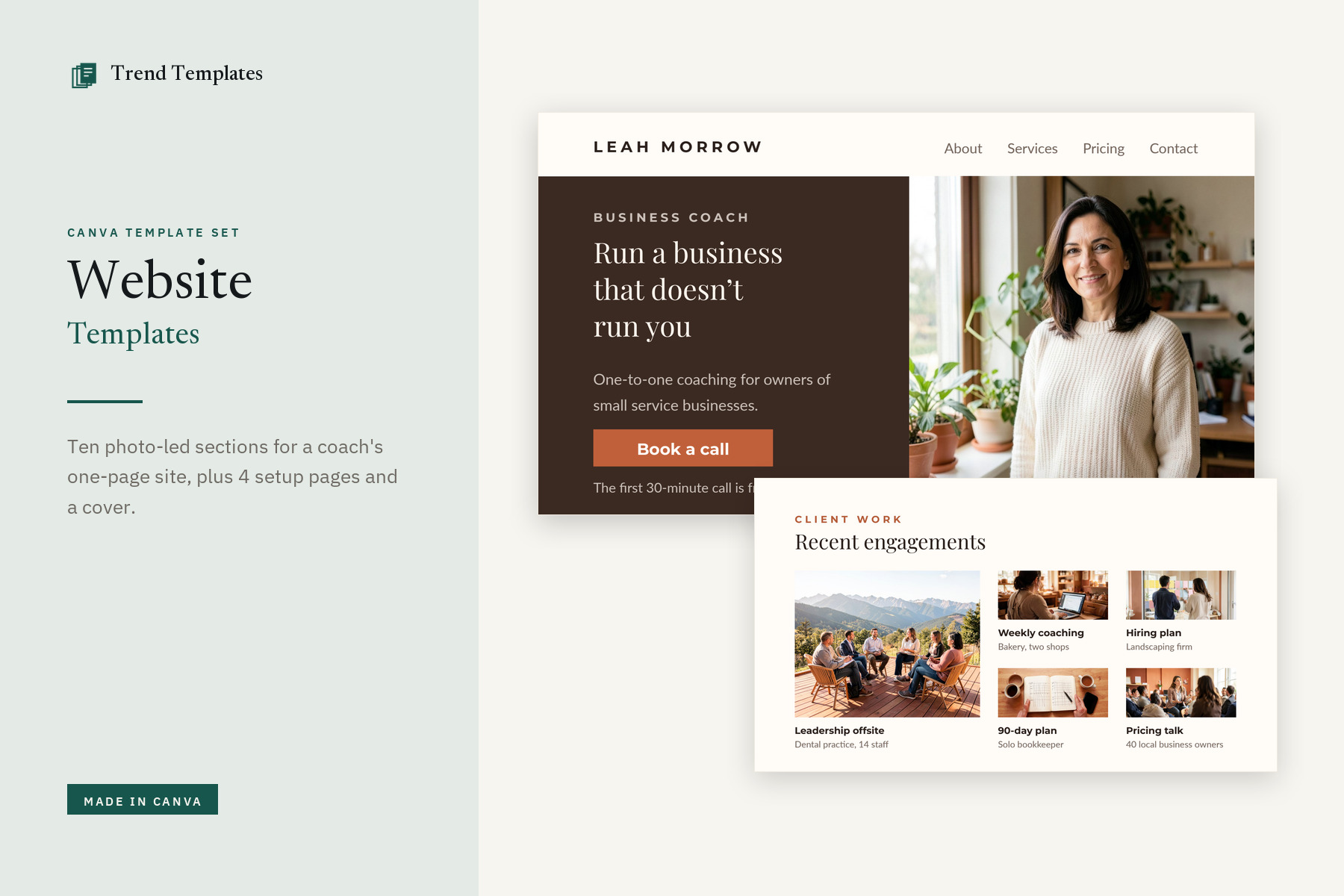
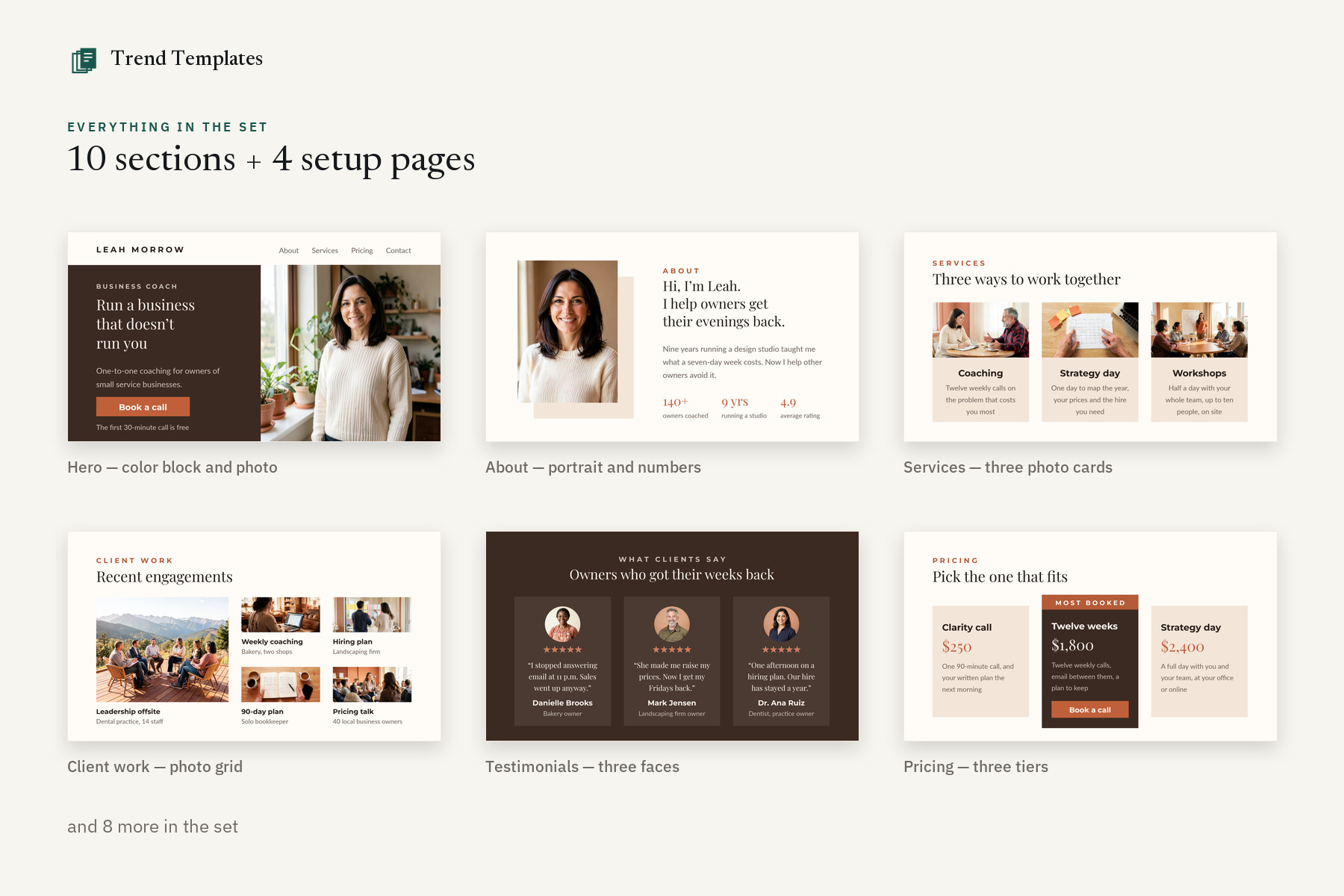
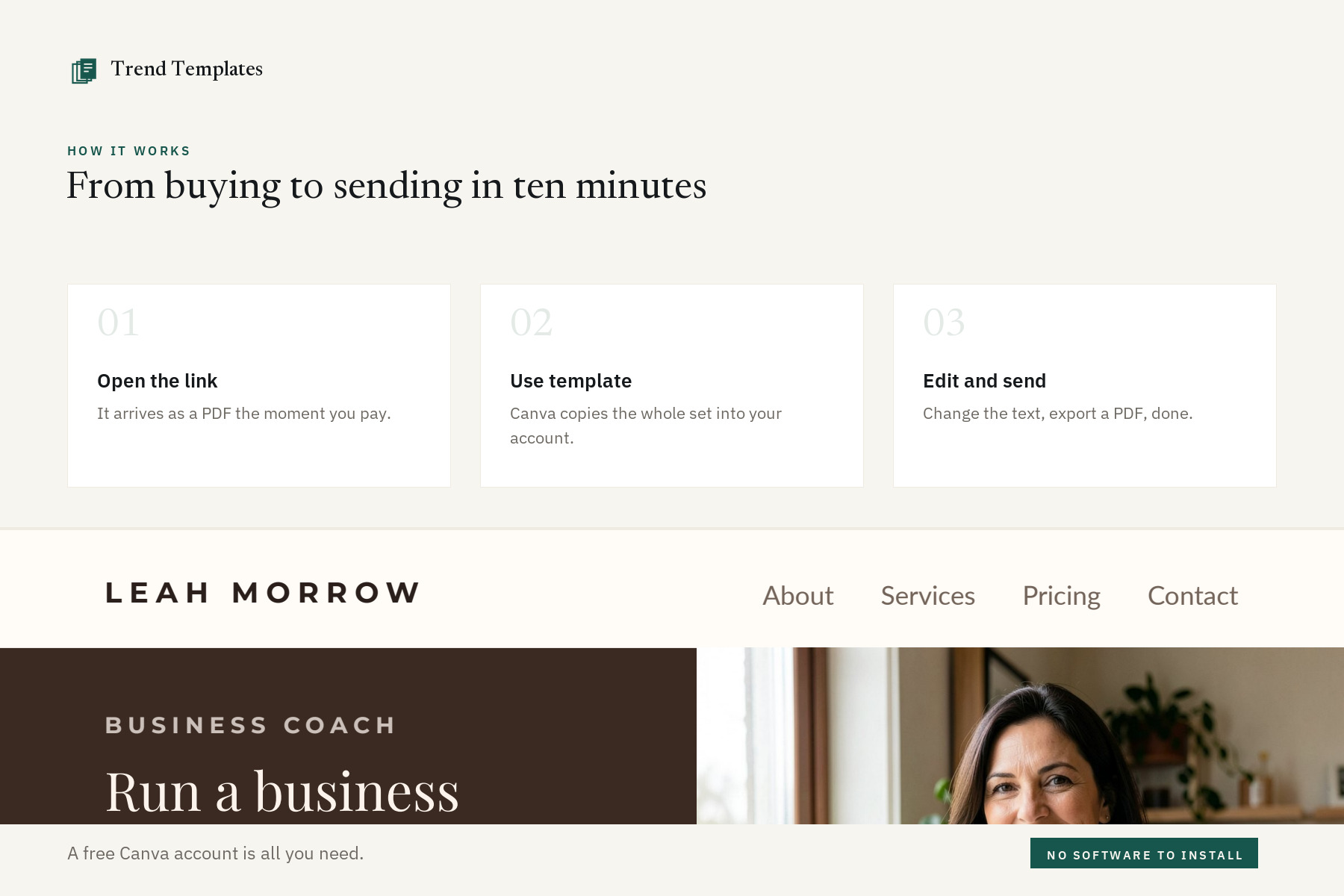
Ten designed sections you publish as one scrolling Canva website, written out for a business coach so every line is a real example: a color-blocked hero with a Book a call button, an about section with three numbers, three service cards with photos, a five-photo client-work grid, three testimonials each under its own face, three price tiers with the middle one raised, six answered questions, contact with email buttons, a footer with social icons and a full-bleed coming-soon page. Four setup pages show the phone view, the colors and type, what each section is for and what to check before you publish, and a cover page opens the set: 10 designed sections + 4 setup pages + a cover page.
Who it is for
Coaches, consultants and service businesses — salons, clinics, bookkeepers, trades — who need one page that books calls, and would rather publish it from Canva today than wait a month for a web developer.
Why this set and not a single page
Real photos, ready to swap. Every picture is an image, not an empty box: drag your own photo onto it in Canva and it drops in at the same size and crop. No words are printed on a photo.
Buttons that actually work. A Canva site cannot send a form, so there is no fake one. Every Book a call button is already a working email link — change the address to yours, or paste your booking page on the button and its label with Canva’s Link tool.
Written for a business that sells time. The demo is a business coach: services, three prices, testimonials with names and roles, and a booking button. Places and contacts are placeholders — Your City, (555) 123-4567, hello@yourwebsite.com — so nothing points at a real address. Change the words and it fits any service business.
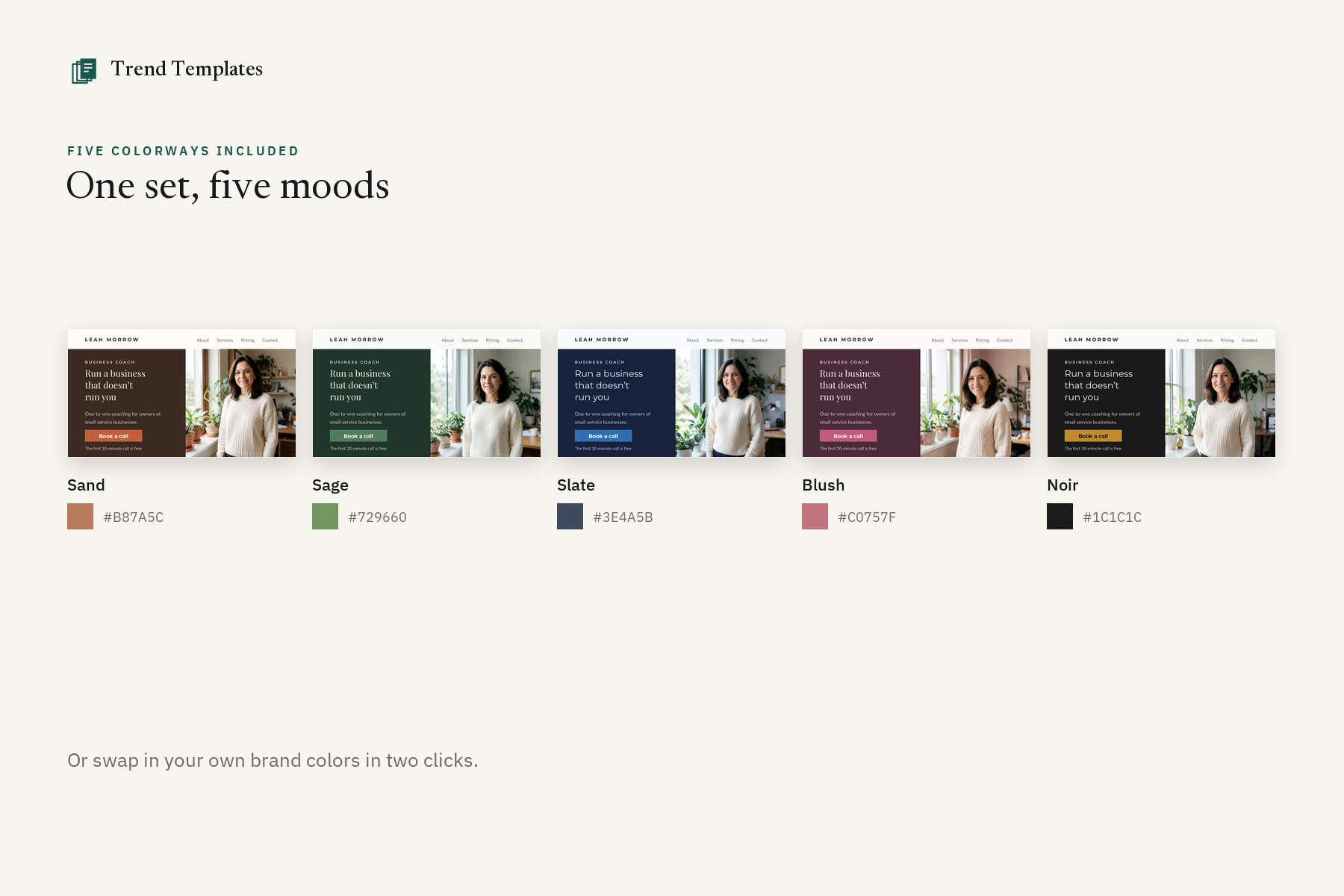
Color blocking, five ways. A full-width dark band, a soft tint and one accent kept for buttons, prices, labels, key numbers and star ratings — in five colorways, with the hex codes on their own page.
It tells you the limits before you buy. A Canva site is one scrolling page: no blog, no shop, no member area, no working forms, and your own domain is paid. That is on a page in the set, not hidden.
Nothing meant for you goes live. The notes sit on four setup pages at the end, not under the sections, and the cover and every setup page say to delete them before you publish, so no instruction ends up on your published site.
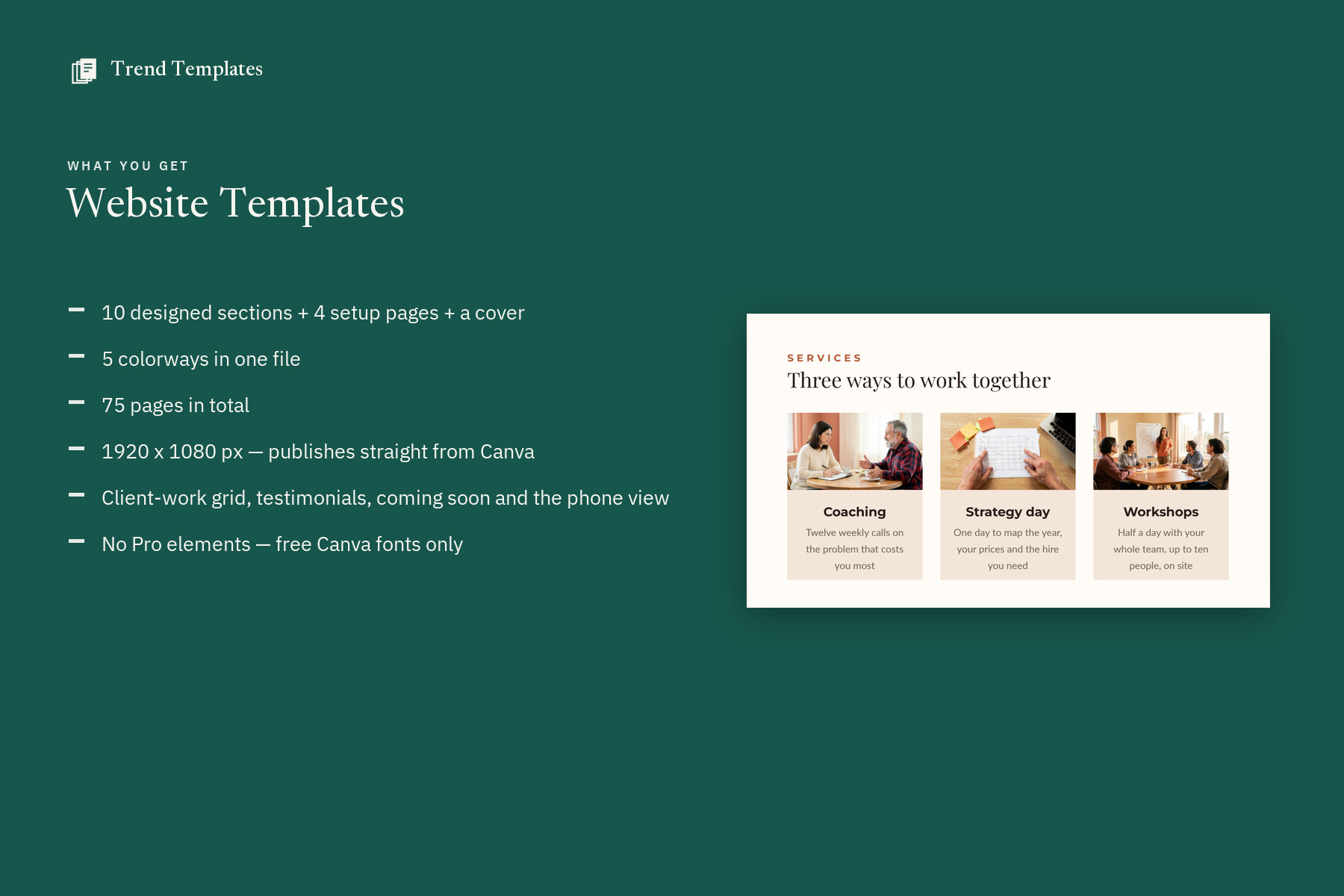
What you get
- 10 designed sections + 4 setup pages + a cover page (15 pages in each colorway) — hero to footer and coming soon, then the phone view, colors, section guide and publishing checklist
- 5 named colorways – Sand, Sage, Slate, Blush and Noir
- 70 pages in one Canva file
- Every button already linked — Book a call opens an email until you point it at your booking page
- 15 demo photos, each one a picture you replace by dragging your own onto it
- 1920 x 1080 px — the page Canva publishes as a website
- Free Canva fonts only – Montserrat, Lato, Playfair Display
- PDF guide with the template link, instructions and license
- Commercial use for your own business and your clients
What you can change
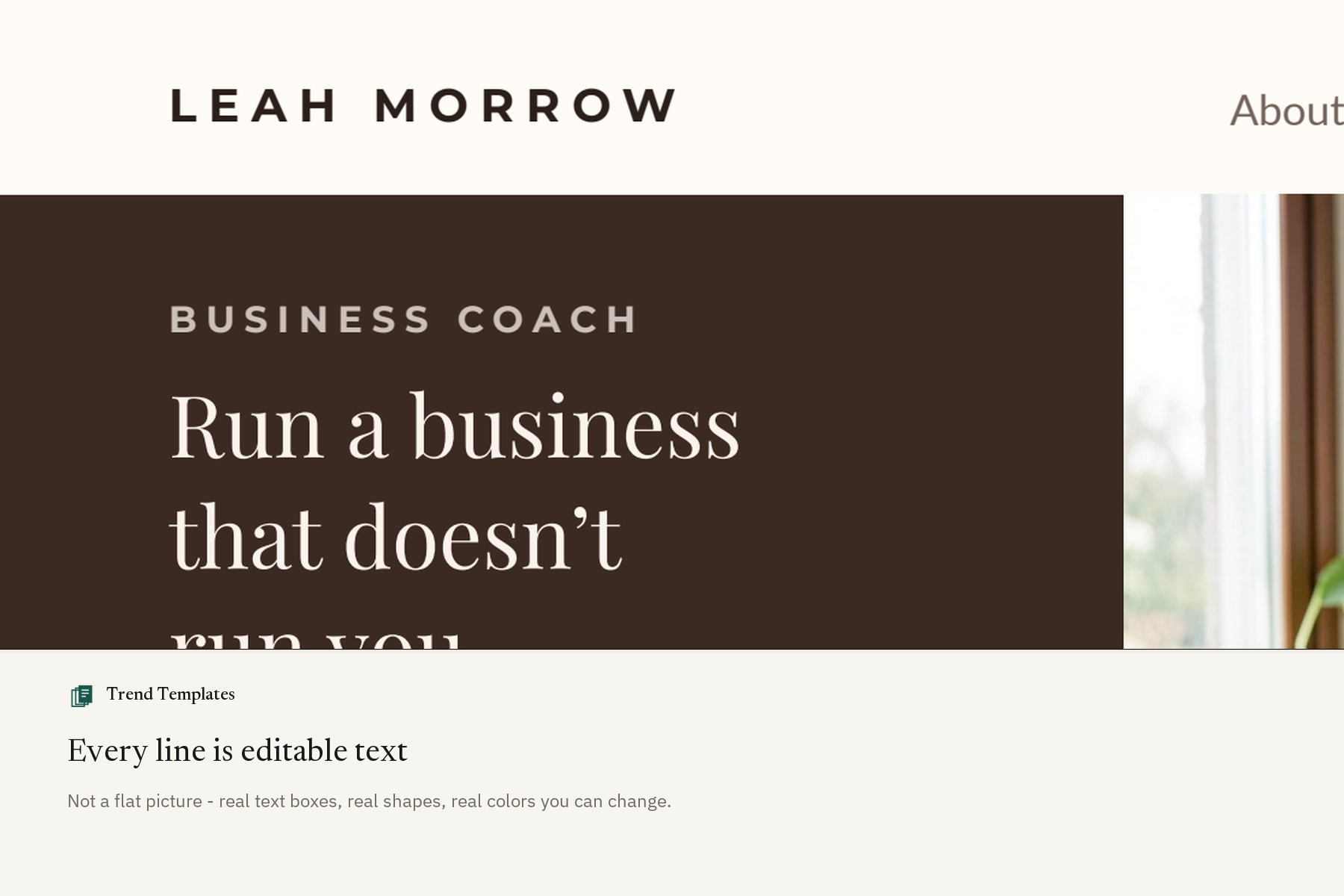
- All text and headings
- Font color, style and size
- Backgrounds and color blocks
- Photos and your own logo
- Add, delete or reorder any page
Before you buy
- This is a Canva template, not a Word or Adobe file
- A free Canva account is needed to open it
- Nothing is shipped – the link arrives as an instant download
- A Canva site is one scrolling page — no blog, no shop, no member area, and a custom domain is paid
- No working forms: a Canva site cannot send one, so the buttons are links to your email or booking page
- The coach, the prices, the quotes and the photos are examples to replace with your own
- Demo photos are AI-generated (FLUX.2 klein, Apache 2.0) and show fictional people and places — placeholders to replace with your own; if you sell on a marketplace with an AI-content rule, disclose them if you keep any
How it works
- Buy, and the PDF downloads straight away – no waiting for a designer, no email to wait for.
- Open the template link inside it and choose Use template.
- Canva copies the whole set into your account. Edit, export, send.
Not affiliated with Canva. Canva is a trademark of Canva Pty Ltd.

Reviews
There are no reviews yet.