
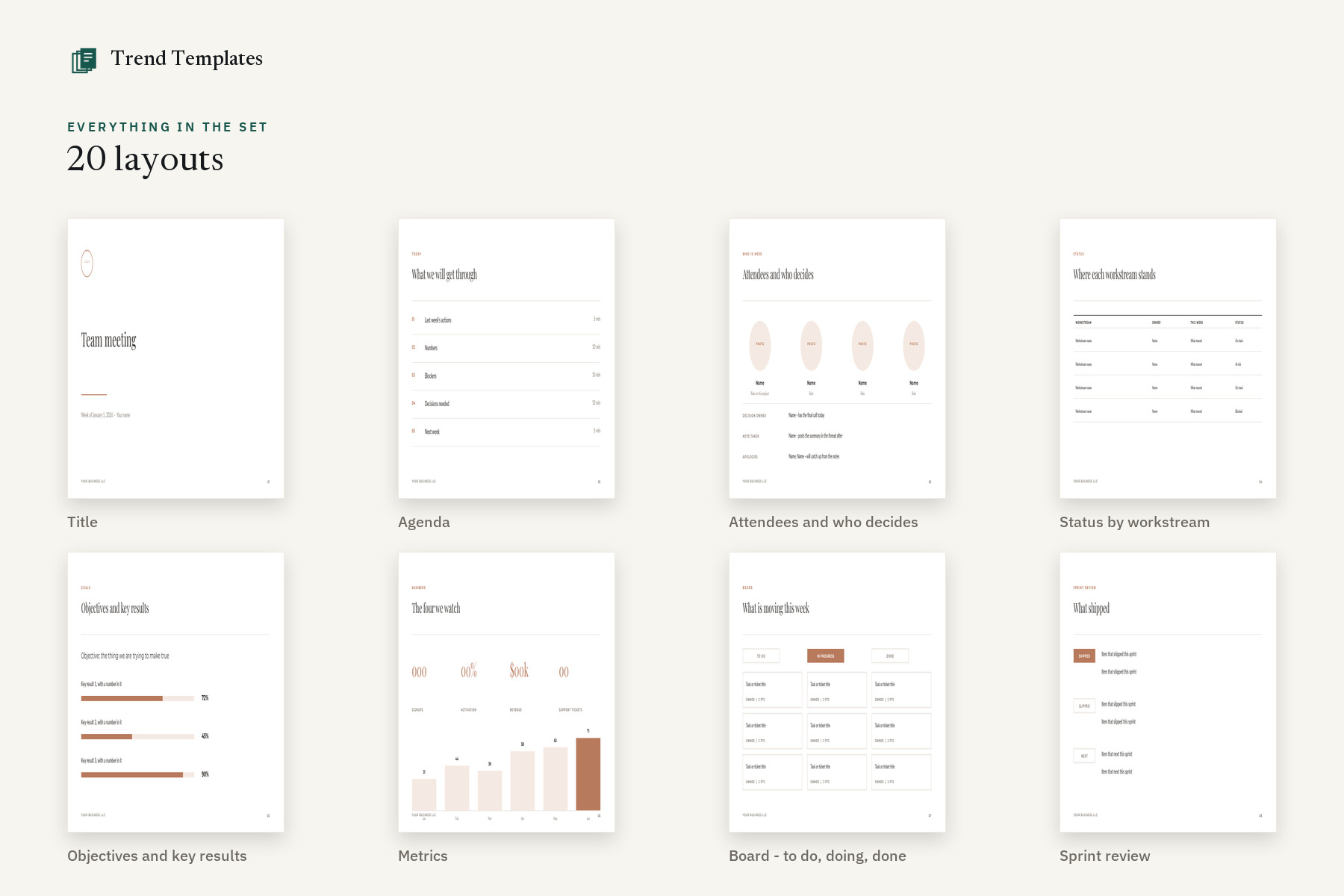


Twenty slides for the meetings a team actually repeats: status by workstream, OKRs, a to-do/doing/done board, blockers, decisions, actions and a retro. Opens in Google Slides with a 1-click copy to your Drive, and in Canva if you prefer. Five colorways plus a print-friendly set.
Who it is for
Remote and hybrid teams running weekly syncs, sprint reviews and retros in Google Workspace – and anyone who would rather send a Drive link than a 40MB attachment.
Why this set and not a single page
Both links in the box – Google Slides and Canva. The Google link ends in /copy, so one click drops your own editable copy into your Drive. No access request, no ‘ask the owner for permission’, no download. The Canva link is there too if that is where you work – it is the same deck.
Only Google Fonts, so nothing reflows. Montserrat, Lato and Playfair Display are all in the Google library. The usual disaster – a deck built in a local font that silently falls back to Arial and breaks every line – cannot happen here.
Built light so it does not crawl in a browser. No full-bleed photo fills, no white-on-color text, no heavy effects. Those are exactly the things that degrade on import and make a deck stutter when six people have it open at once.
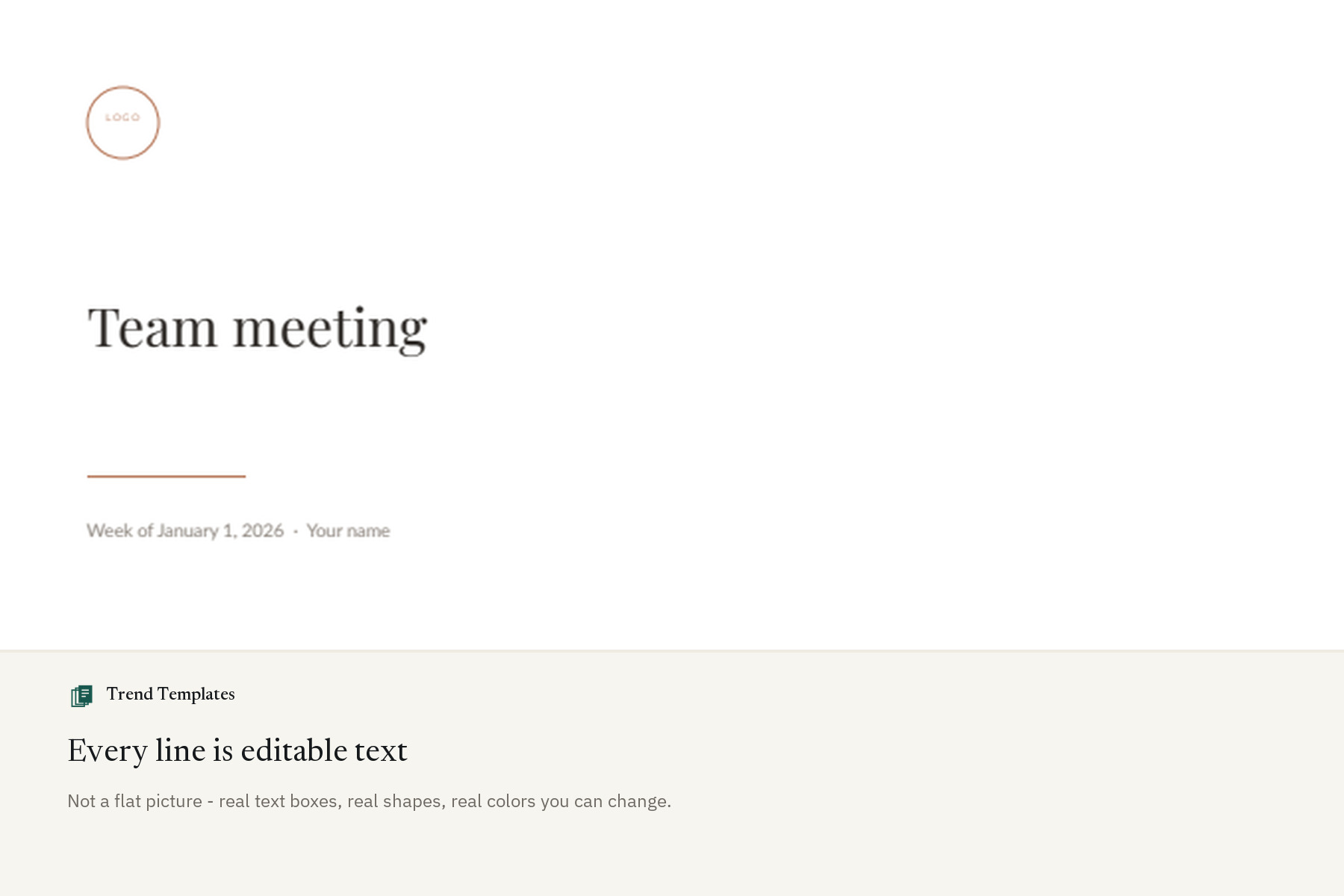
Charts are editable shapes, not flat images. Bars, progress bars and status chips are real rectangles. Drag one to change a number – no hunting for a source file, no re-exporting a picture every time a figure moves.
The slides a recurring meeting actually needs. Who is here and who has the final call. A board with to do, doing and done. Blockers with an owner. A decisions log. Actions with a due date. These are the pages teams rebuild from scratch every single week.
It ends the way a meeting should. A retro, an open floor with a parking lot, and a next-steps page with the date of the next meeting and where the notes live. Meetings drift because nobody wrote that down.
What you get
- 20 editable layouts
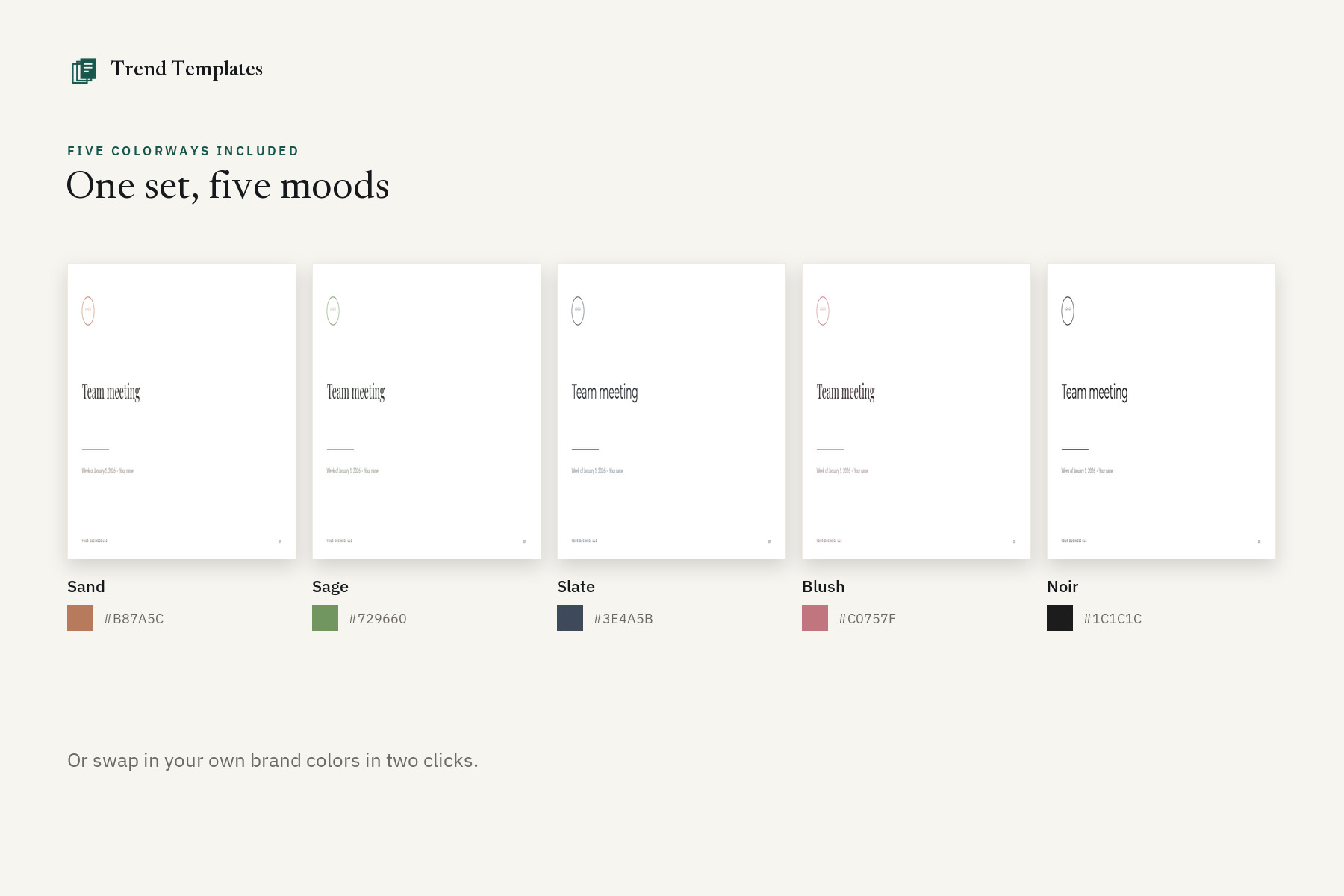
- 5 named colorways – Sand, Sage, Slate, Blush and Noir
- 121 pages in one file
- Standard 16:9 widescreen format (1920 x 1080)
- A print-friendly set of all 20 layouts – no color fills, for the copy you print and sign
- 100% Google Fonts – Montserrat, Lato, Playfair Display, so nothing falls back to Arial on import
- PDF guide with both links – Google Slides (1-click copy to your Drive) and Canva – plus instructions and license
- Commercial use for your own business and your clients
What you can change
- All text and headings
- Font color, style and size
- Backgrounds and color blocks
- Photos and your own logo
- Add, delete or reorder any page
Before you buy
- This is an editable template, not a Word, PowerPoint or Adobe file
- A free Google or Canva account is needed to open it
- Nothing is shipped – the link arrives as an instant download
How it works
- Buy, and the PDF downloads straight away – no waiting for a designer, no email to wait for.
- Open whichever link you want. The Google Slides link ends in /copy, so it makes your own copy in your Drive in one click – no access request.
- Edit, present, or share the link with your team. Everyone edits together, in the browser.
Not affiliated with Google or Canva. Google Slides and Google Drive are trademarks of Google LLC. Canva is a trademark of Canva Pty Ltd.

Reviews
There are no reviews yet.